App Launcher · ⌥ Space
Your apps,two keys away.
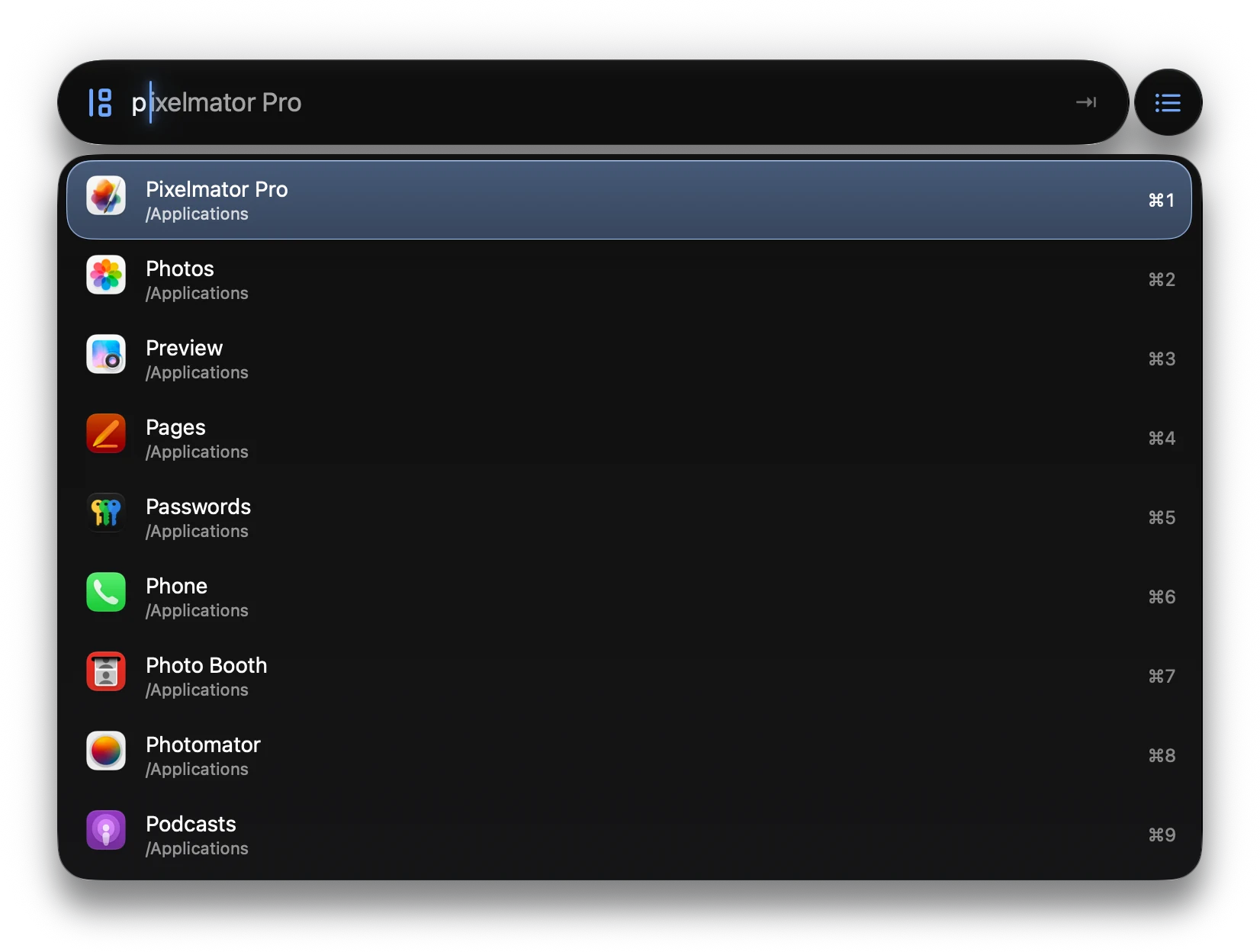
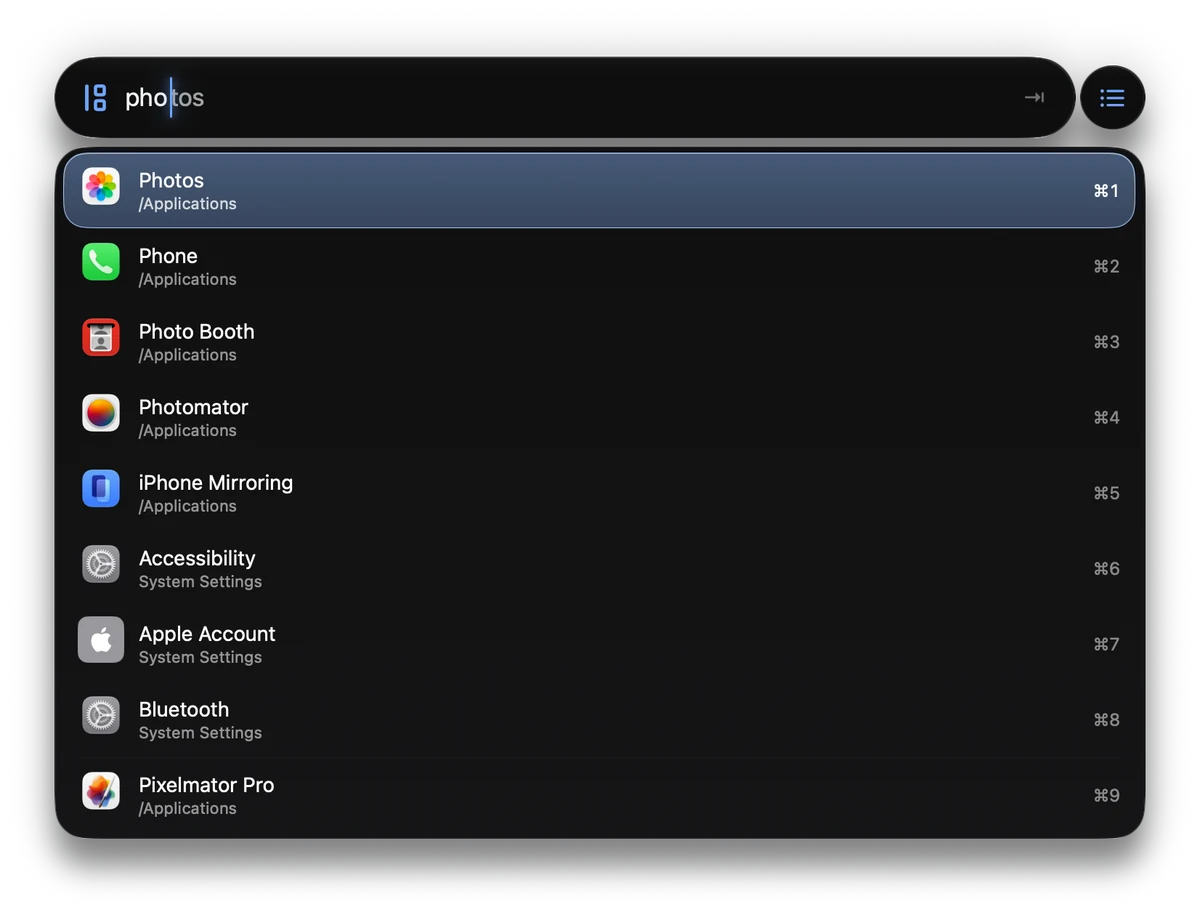
For keyboard warriors: press ⌥Space, type two letters, and your app is first. For everyone else, there’s the grid.
Coming soon to the Mac App Store
Hear when it’s out. No spam. Unsubscribe anytime.
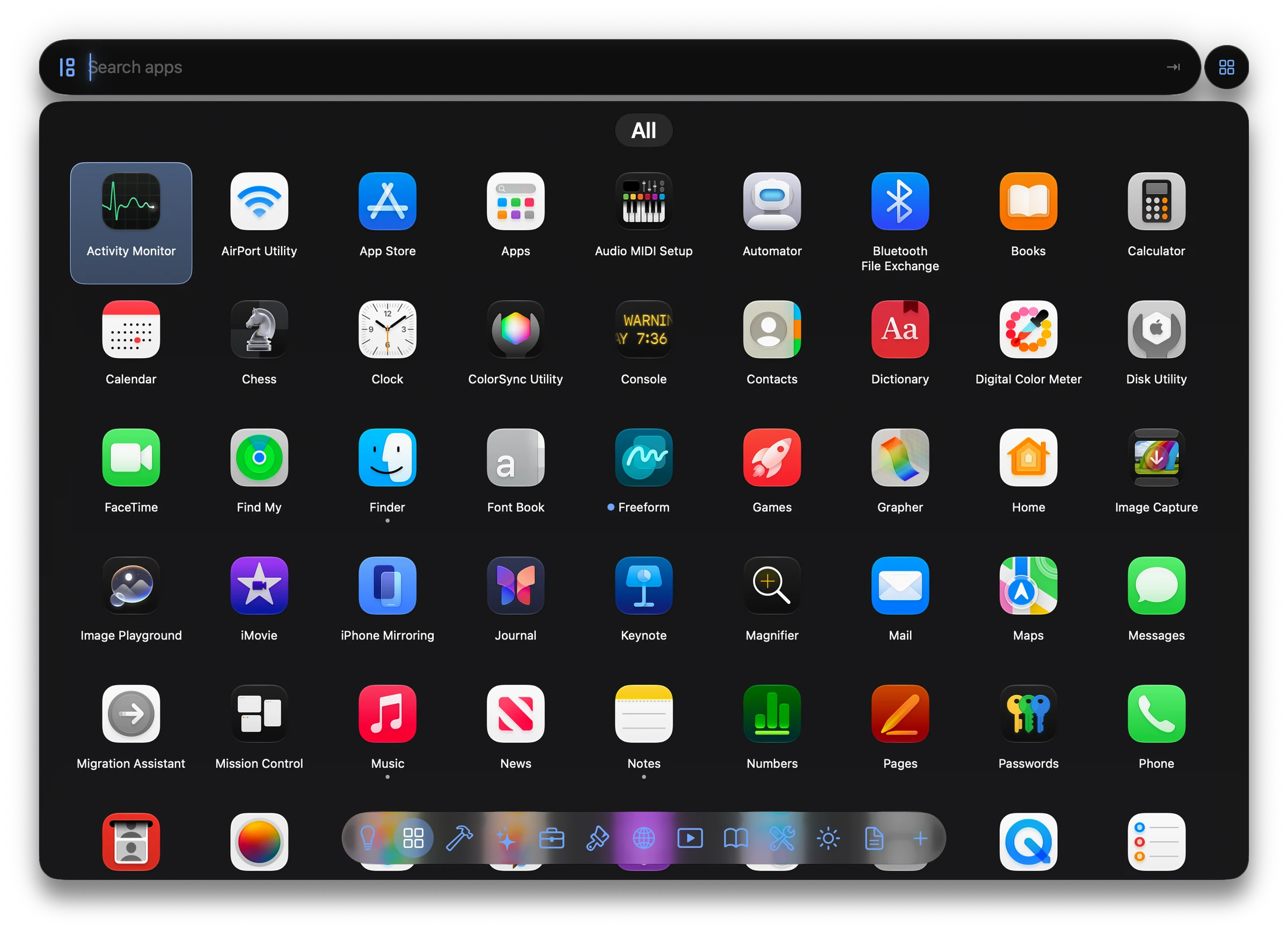
App Grid
For when you’drather click.
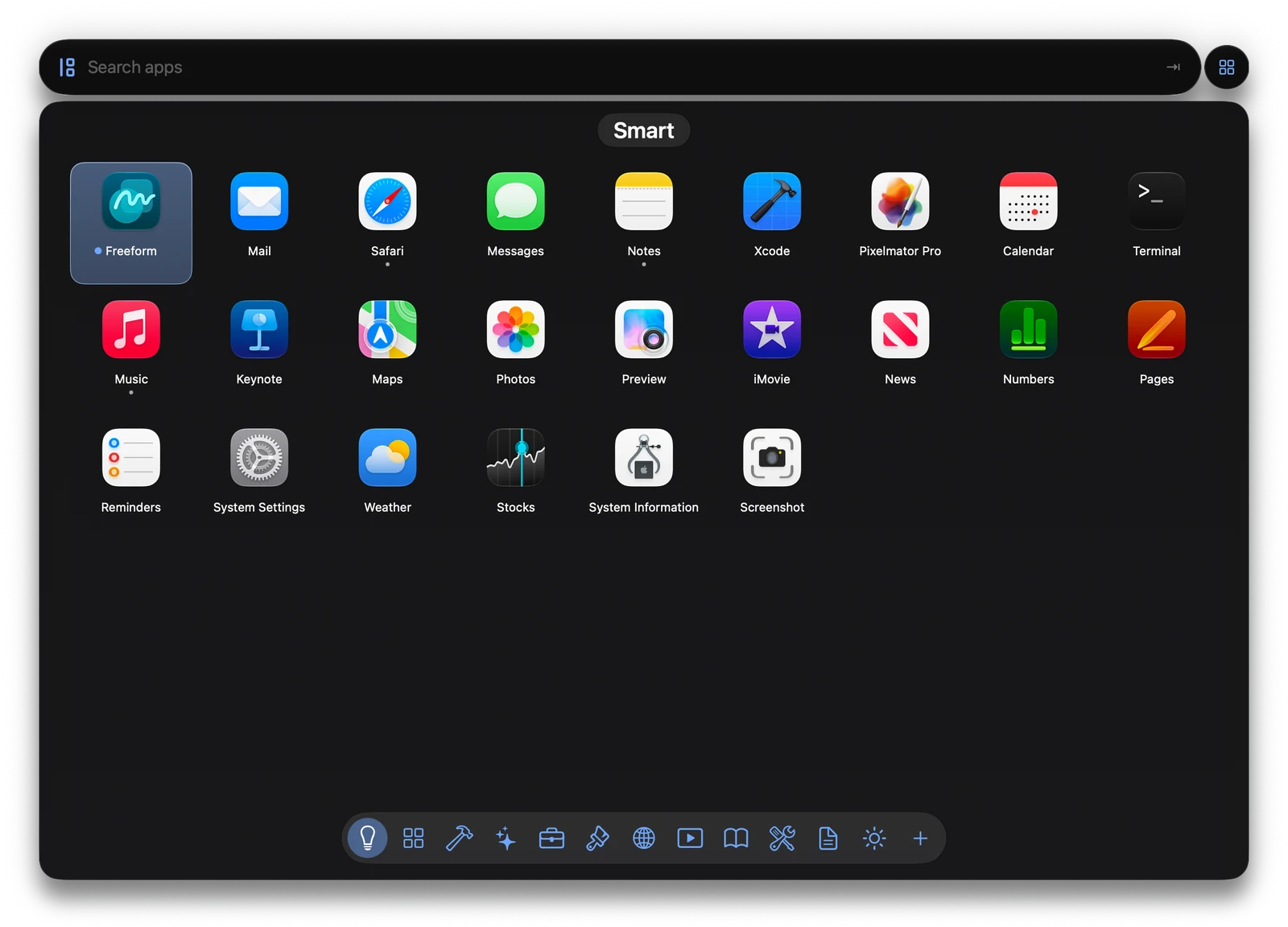
Miss Launchpad? Press Tab, or click AppBob in the Dock. Every app on one page, filed into groups like Developer, Creativity and Reading.
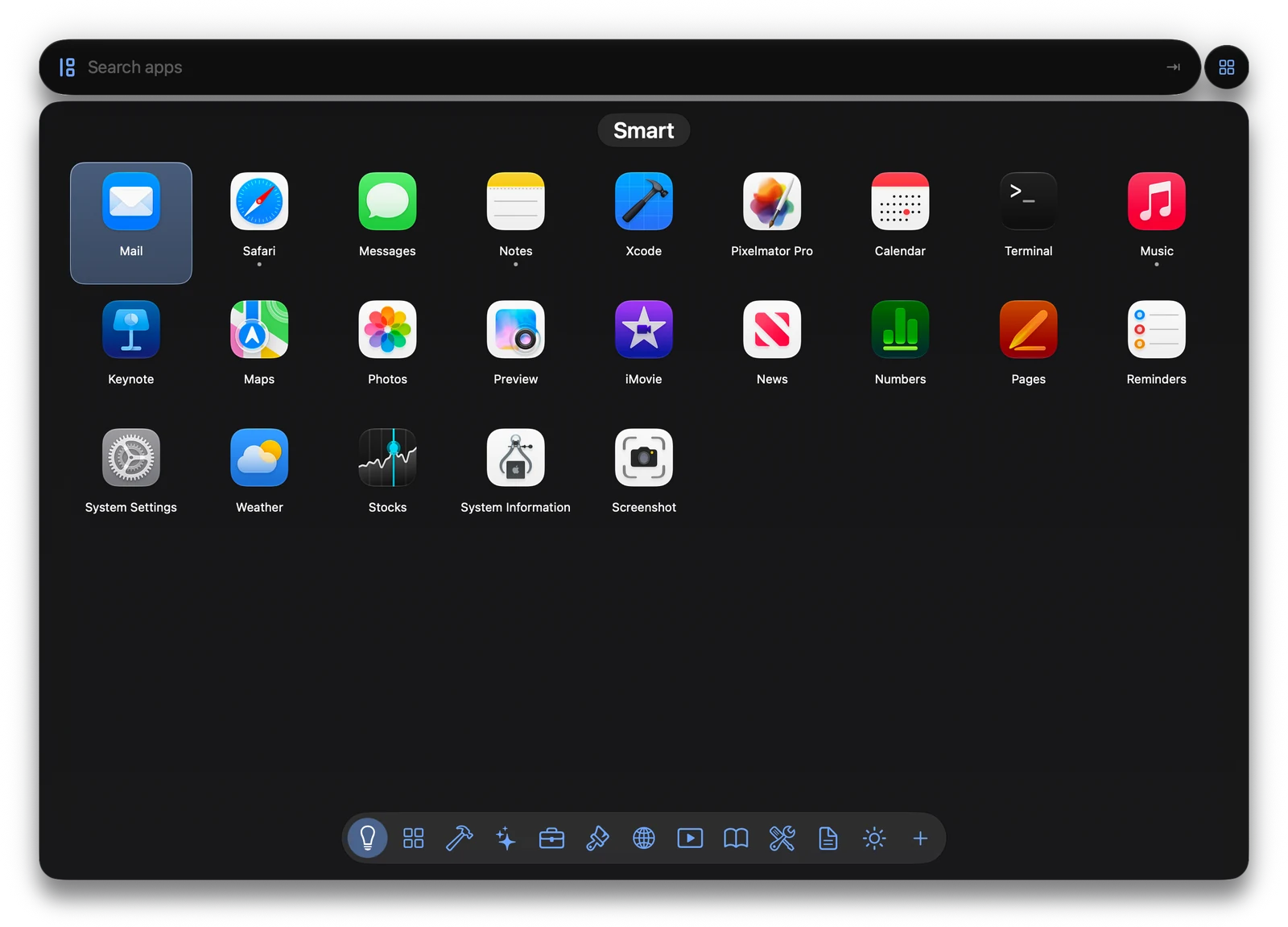
Smart sorting
Your next app,on top.
AppBob notices what you open and when. The app you use every morning is first before you type a thing, and the one you haven’t touched in weeks drifts down. What it learns stays on your Mac.
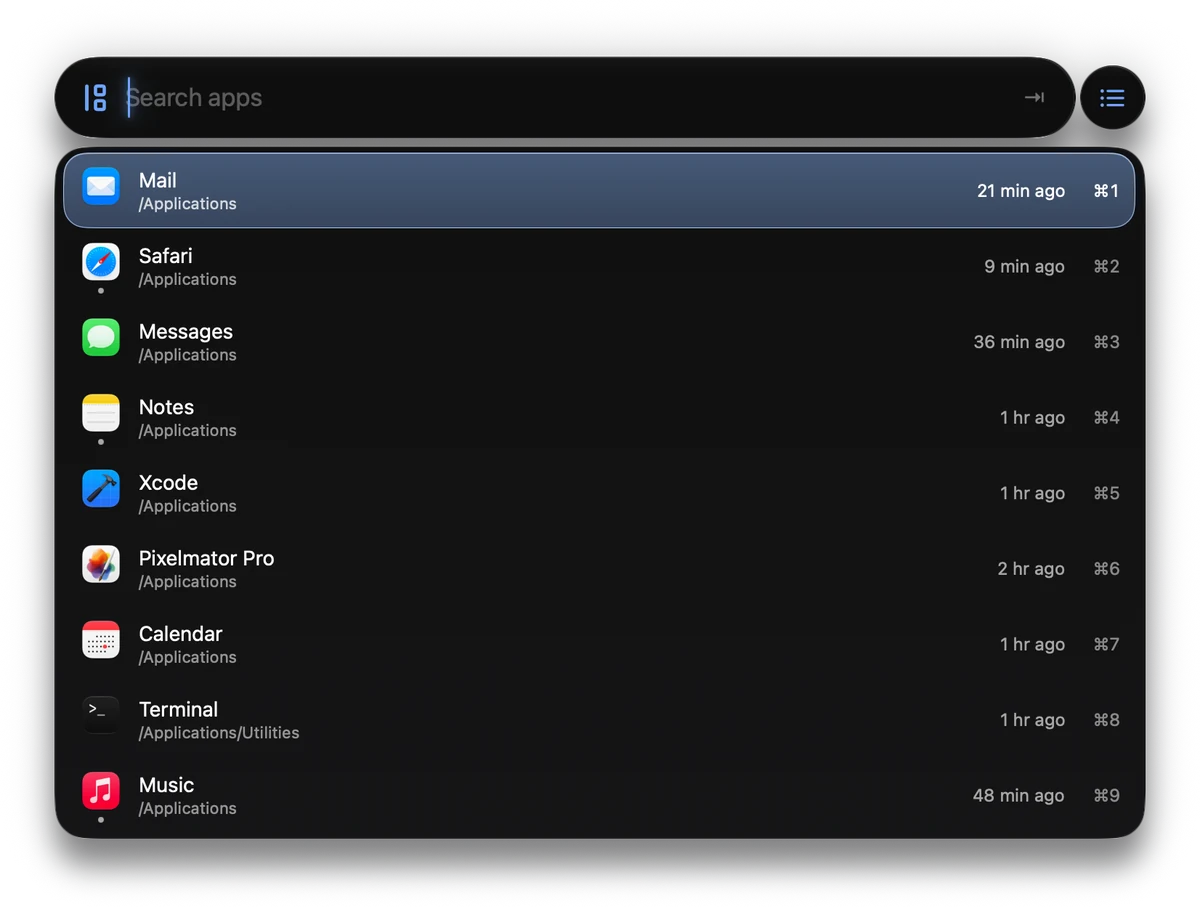
Minimal size
For the minimalistin you.
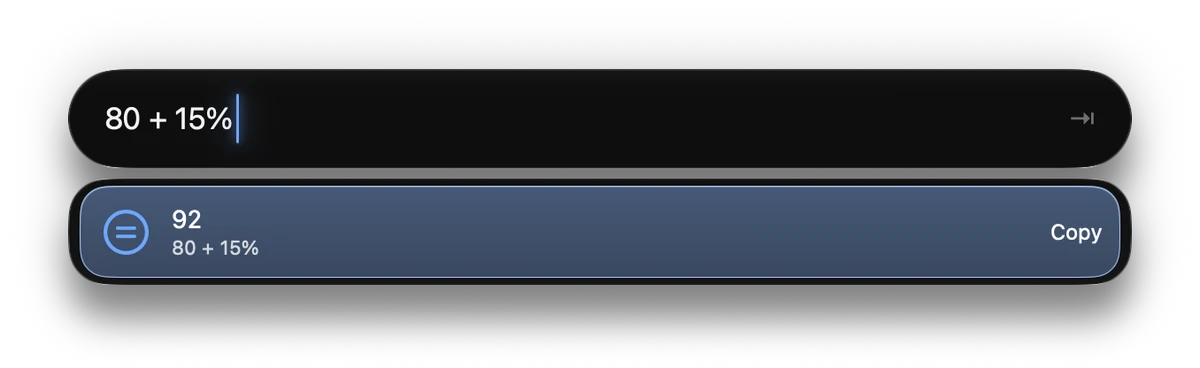
Pick the Minimal size and the launcher keeps out of the way. It still opens your apps, Tab still shows the grid, and it still does quick sums: type 80 + 15% and press ⏎ to copy the answer.
Groups
Your groups,your way.
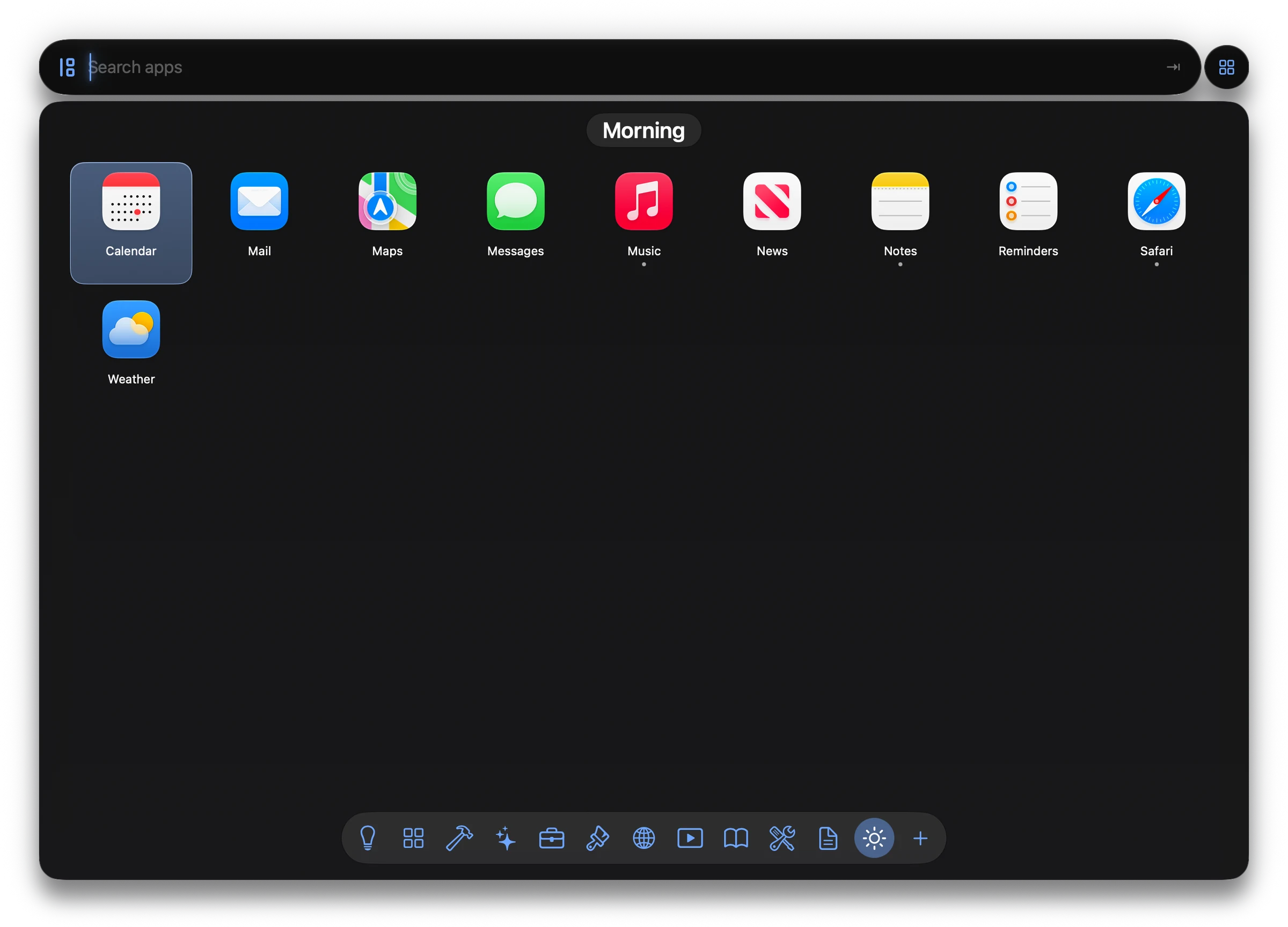
Make a group for your morning, your clients or your games, and drag apps in. An app can be in as many groups as you like. Hide the ones you never use.
Open several
Pick a few.Press Return.
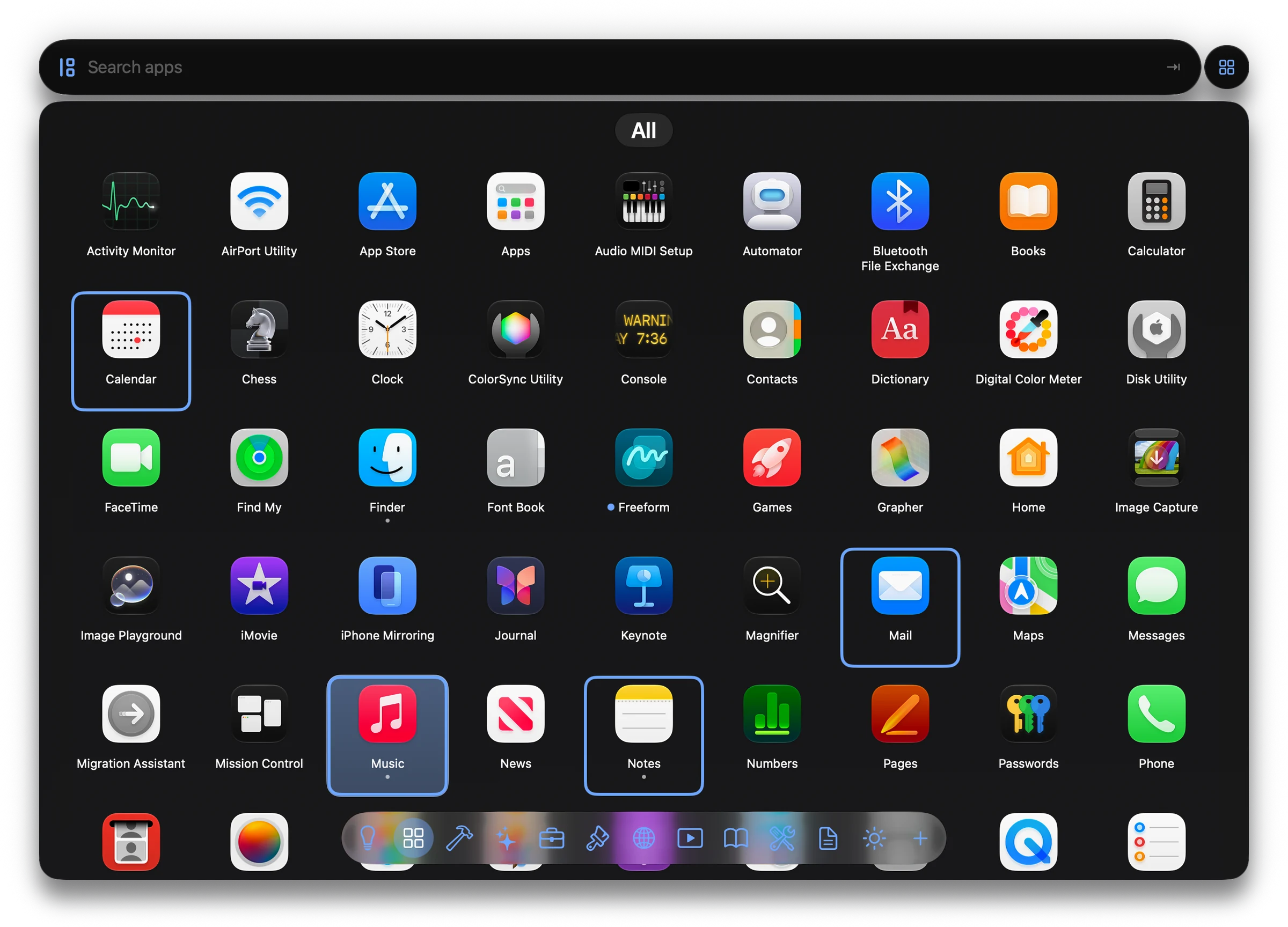
In the grid, ⌘-click or ⇧-click up to ten apps and press ⏎ to open them all. In the launcher, ⇧-click opens an app and keeps AppBob open for the next.
Tab
One key.List or grid.
Tab switches between the App Launcher and the App Grid. Start in one, finish in the other.
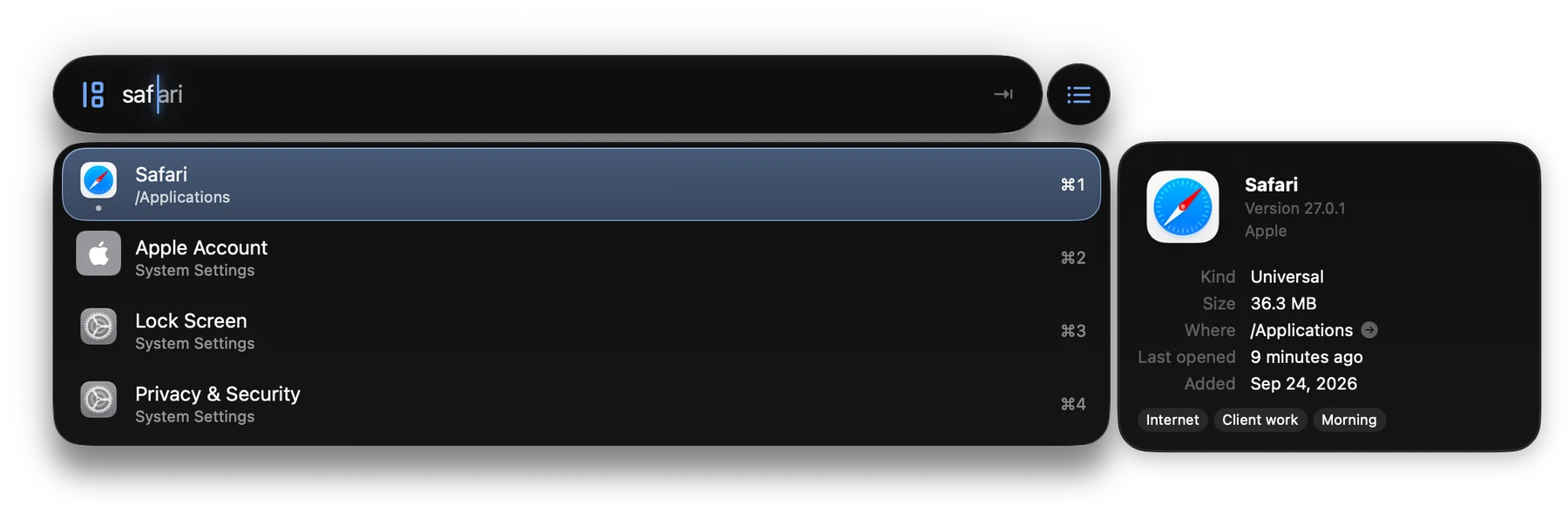
Get Info
Detailsat a glance.
Tap ⇧ on any app for its version, its size, where it lives and when you last used it.
And the small thingsyou’ll use every day.
Any row, one chord
Every row in the launcher has its number. Hold ⌘ and press it.
System Settings, by name
Type “bluetooth” or “login items” to go straight to that part of System Settings.
Apps by who made them
Type a developer’s name to see all of their apps together.
New apps in about a second
Install an app and it’s in AppBob a moment later, marked New. Running apps carry a small dot.
Your last search
Press ↑ in an empty field to bring back what you typed before.
Show it in Finder
Reveal any app where it lives, or copy its path or bundle ID.
Nothing leavesyour Mac.
AppBob runs on your Mac and only on your Mac. There’s no account, and it never goes online. It lives in the App Store’s sandbox and asks for no special permissions. The App Store label says Data Not Collected.
Questions
Is AppBob free?
Yes. Free, with nothing locked and nothing to buy.
Does AppBob connect to the internet?
No. It has no account and sends nothing anywhere. The App Store privacy label says Data Not Collected.
Can I keep my other launcher, or Spotlight?
Yes. Give each a different shortcut. If two use the same keys, either may open.
Why does AppBob ask about ~/Applications?
Only if you have a ~/Applications folder, where things like Safari web apps go. macOS keeps your home folder private, so AppBob asks for that one folder, read-only.
Can AppBob quit apps?
No. Apps from the App Store aren’t allowed to quit other apps. To quit an app, switch to it and press ⌘Q. If it isn’t responding, press ⌥⌘⎋ for macOS’s Force Quit window.
Does it search files or the web?
No. AppBob does apps, and System Settings panes, and tries to do them really well.
AppBob is free.All of it.
Coming soon to the Mac App Store
Hear when it’s out. No spam. Unsubscribe anytime.
From the makers of ClipBob.